A visual reference

Every call, built-in and type of the graphics and compute APIs, one volume each.

Watki

Graphics, compute & XR APIs.
For iPhone and iPad.

[ Download on the App Store ]

Inside / 21 volumes

The library

An offline field guide to open graphics, compute and XR standards. Every entry shows what it does, what it takes and where it fits, in a quiet black-and-white reader that works without a connection.
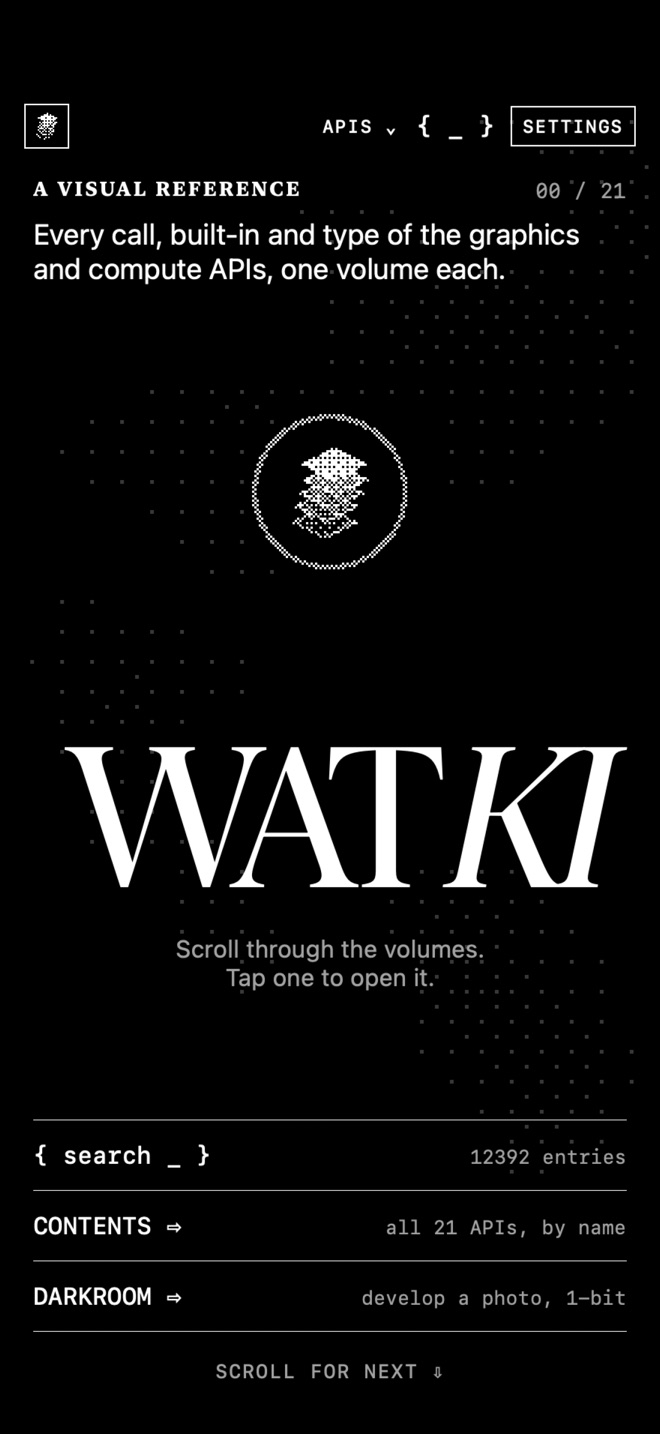
The Watki home screen: the title WATKI over drifting dots, with rows for search, contents and the darkroom.
01 · The library
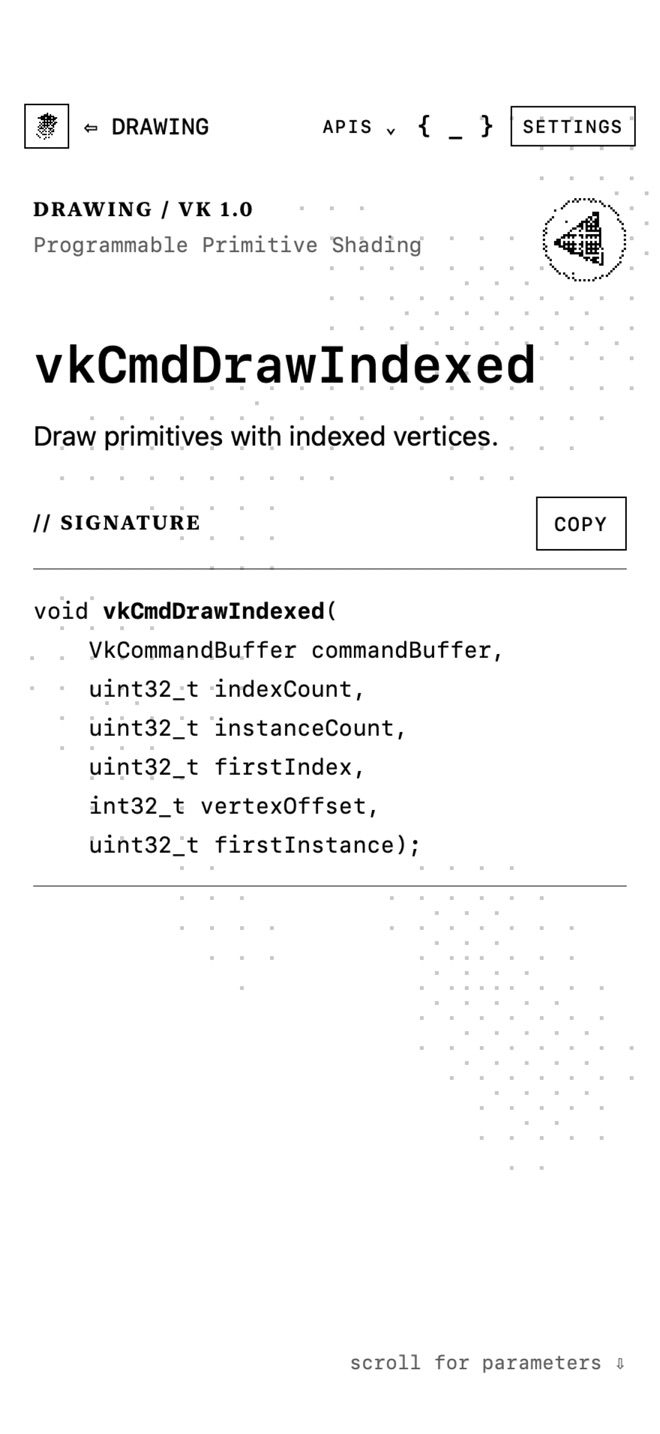
The vkCmdDrawIndexed entry on a white page, showing its C signature.
02 · An entry
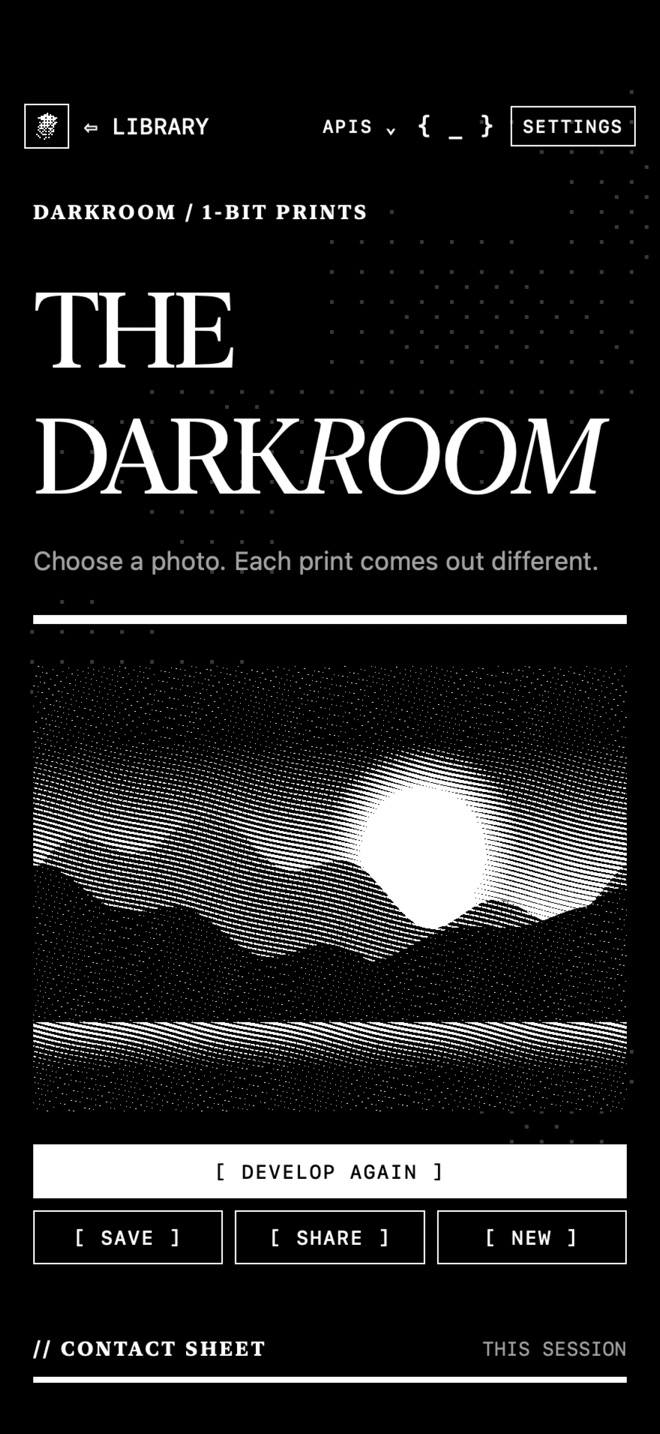
The darkroom, with a landscape developed as a 1-bit print.
03 · The darkroom
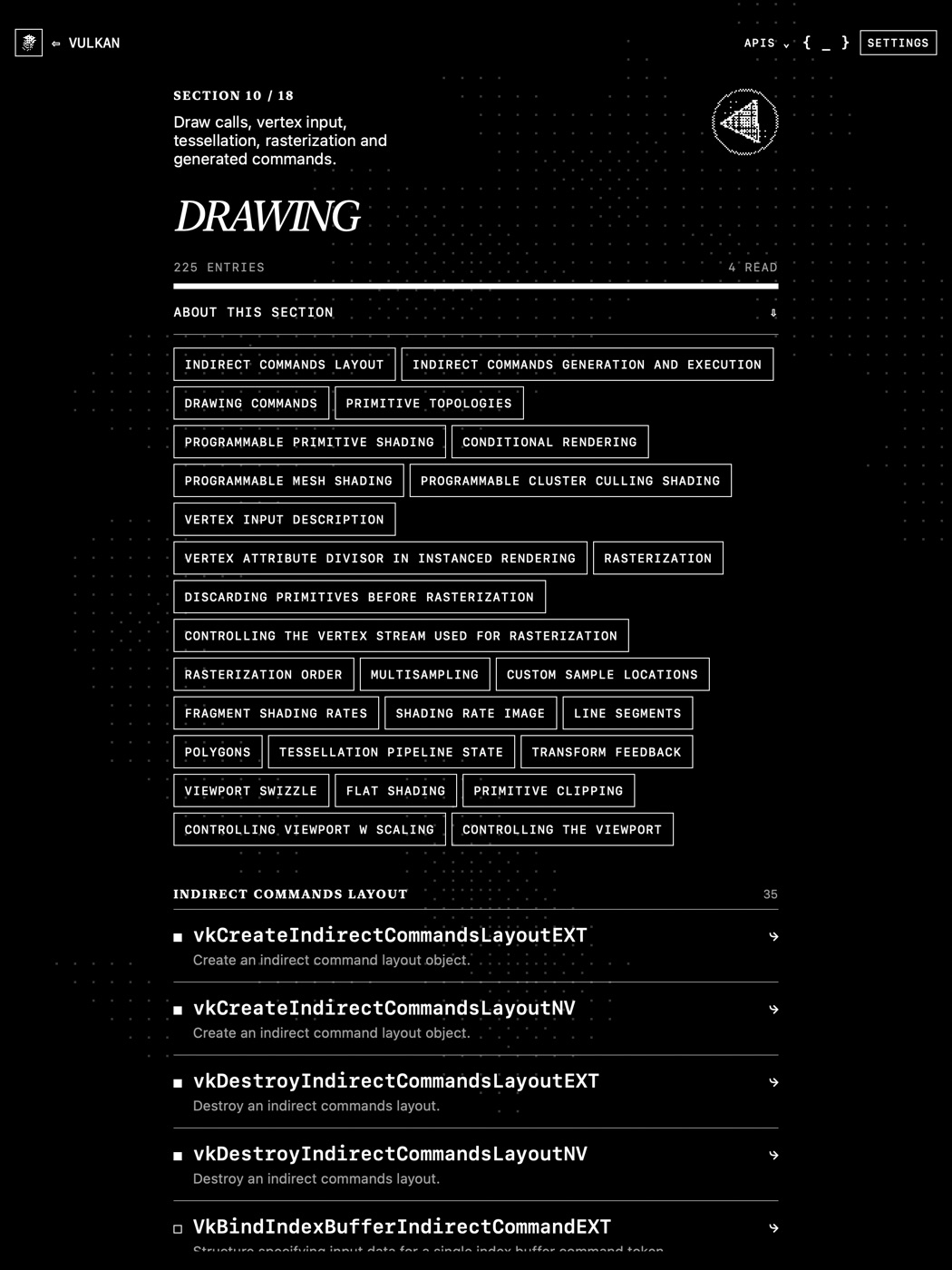
The Vulkan Drawing section on iPad, with its subsection chips and a list of entries.
04 · A section on iPad
  • OPENGL ES389
  • VULKAN2923
  • OPENGL 4.6535
  • EGL158
  • WEBGL331
  • OPENCL522
  • OPENXR1945
  • OPENVG167
  • OPENVX590
  • SYCL771
  • ANARI110
  • VULKAN SC929
  • OPENGL SC77
  • SPIR-V833
  • SLANG1018
  • GLTF66
  • KTX180
  • COLLADA675
  • NNEF152
  • ML12
  • SAFETY CRITICAL9
  • Every entry, in full

    The signature, parameters, return values and the version or extension that added it.

  • { search _ }

    Search one volume or all 21 at once.

  • Keep and return

    Keep the entries you use most, come back to recent ones and see how much of each volume you have read.

  • A living background

    A slow mist drifts behind the pages and follows the time of day. Thicken it, slow it, freeze it or give it a new pattern.

  • The darkroom

    Develop any photo as a 1-bit print and save it to your library.

  • Offline and private

    Everything ships inside the app. No account, no ads, no tracking.

Support / Help

Ask away

Answers to common questions, and how to reach me if yours isn't here.


Do I need an internet connection?

No. All 21 volumes are inside the app. You only need a connection if you tap through to an official reference page, which opens in your browser.

What happens to my data?

Nothing leaves your device. Settings, kept entries and reading progress are stored on your iPhone or iPad. Clear your progress in Settings → Reading → Reset reading progress; kept entries stay. Full details are in the privacy policy.

Does it work on iPad?

Yes. Watki runs on iPhone and iPad with iOS 18 or later. On iPad the pages keep to a readable column and the titles grow to fit the larger screen.

The moving background is distracting or uses battery.

Open Settings to thin the mist, slow it, turn off tilt, let it slow down on low battery, or freeze it. Watki also follows Reduce Motion.

Why does Watki ask for photo access?

Only to save a print you develop in the darkroom, and only when you tap Save. It asks for add-only access, so it cannot see the rest of your library. Choosing a photo uses the system picker, which needs no permission.

I found a mistake in an entry.

The text is generated from each standard's published registries, headers and reference pages. Email the volume and the entry name, and I will check it against the source and fix it in an update.

Where does the content come from?

From The Khronos Group's published specifications and reference pages, and the Slang project, used under their open licences (CC BY 4.0, Apache 2.0 and MIT). Full credits are in the app under Settings → Sources & Credits. Watki is an independent reader and is not affiliated with or endorsed by The Khronos Group.

I used OpenGL ES Reference. Where did it go?

It is now Watki. OpenGL ES is still there as the first volume, alongside 20 others.

Contact

Please include your device, iOS version and the volume or screen you were on.

saumyalahera@gmail.com

Privacy / Policy

No data

Watki does not collect, share or sell any personal data. Everything stays on your device.

Watki for iPhone and iPad · Effective 3 November 2026


What Watki collects

Nothing. Watki has no accounts, advertising, analytics, tracking or third-party SDKs, and it makes no network requests. All reference content ships inside the app.

Links to official specifications

Entries and credits can link to an official reference page or specification. Tapping one opens it in your browser, where that website's own privacy policy applies. Watki sends nothing with it.

What stays on your device

  • Settings and reading progress. Your background settings, kept entries, recent entries and the sections you have opened are saved on your device with standard iOS storage (UserDefaults). They leave it only as part of your own device backups, such as iCloud Backup, which Apple handles.
  • Photos in the darkroom. You choose a photo with the system photo picker, and Watki only sees the photo you pick. It turns it into a print on your device and uploads nothing.
  • Saved prints. Watki writes to your photo library only when you tap Save. It asks for add-only permission, so it cannot read the rest of your library. Sharing a print hands it to iOS, and where it goes from there is up to you.

Children

Watki collects no data from anyone, including children.

Changes

If this policy changes, the new version will be posted on this page with a new date.

Contact

Questions about privacy? Email saumyalahera@gmail.com.